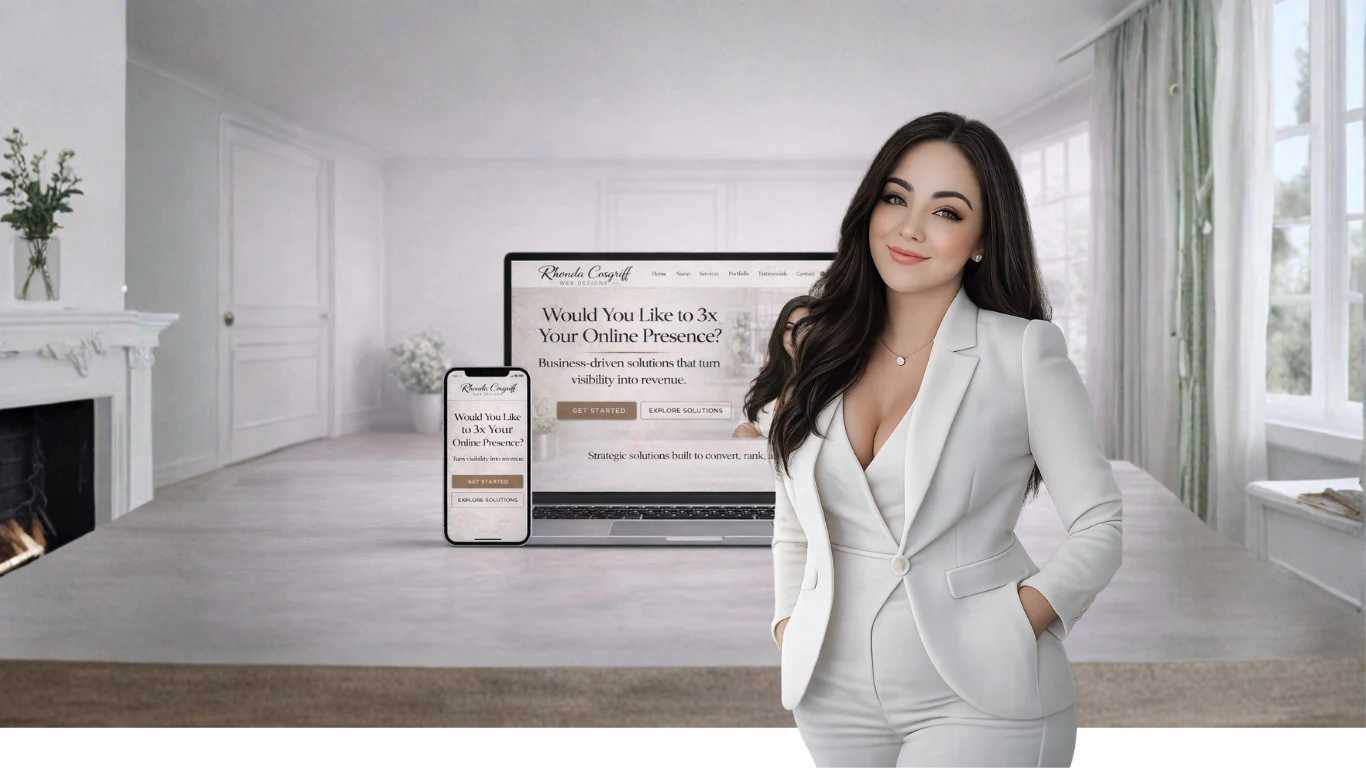
How to Create an Image for Your AI Assistant

Your AI assistant doesn’t need a face to function—but giving it a visual identity makes it feel more real, branded, and intentional. An image helps you mentally separate “the assistant” from a generic tool and turns it into something you recognize as yours.

Here’s how to create one the right way.


Step 1: Decide What the Image Represents

Before generating anything, define the vibe of your assistant.

Ask yourself:

  • Is this assistant professional or creative?

  • Human-like or abstract?

  • Friendly, authoritative, neutral, futuristic?

Examples:

  • A clean, minimal portrait for a business assistant

  • A futuristic abstract figure for a tech-focused assistant

  • A calm, neutral avatar for planning and organization

👉 The image should reflect how you want the assistant to show up, not what looks trendy.


Step 2: Choose an Image Style (Human vs. Symbolic)

You generally have two strong options:

Human-Inspired Avatar

  • Semi-realistic or illustrated

  • Works well for assistants that “speak” in your voice

  • Feels more conversational and personal

Symbolic / Abstract Avatar

  • No human face

  • Uses shapes, light, patterns, or futuristic forms

  • Feels more analytical, neutral, or technical

There’s no right answer—just consistency.


Step 3: Write a Clear Image Prompt

When generating the image, clarity matters more than creativity.

Include:

  • Style (illustrated, realistic, minimal, futuristic, etc.)

  • Mood (calm, confident, intelligent, friendly)

  • Color palette (especially if you have brand colors)

  • Background (clean, transparent, abstract, soft gradient)

Example direction (not copy-paste, just guidance):

“A clean, modern AI assistant avatar with a calm, intelligent presence, neutral expression, soft lighting, and a minimal background. Professional, trustworthy, and timeless.”

Avoid:

  • Overly busy details

  • Trendy effects you’ll hate in six months

  • Anything cartoonish unless that’s intentional


Step 4: Keep the Image Simple and Reusable
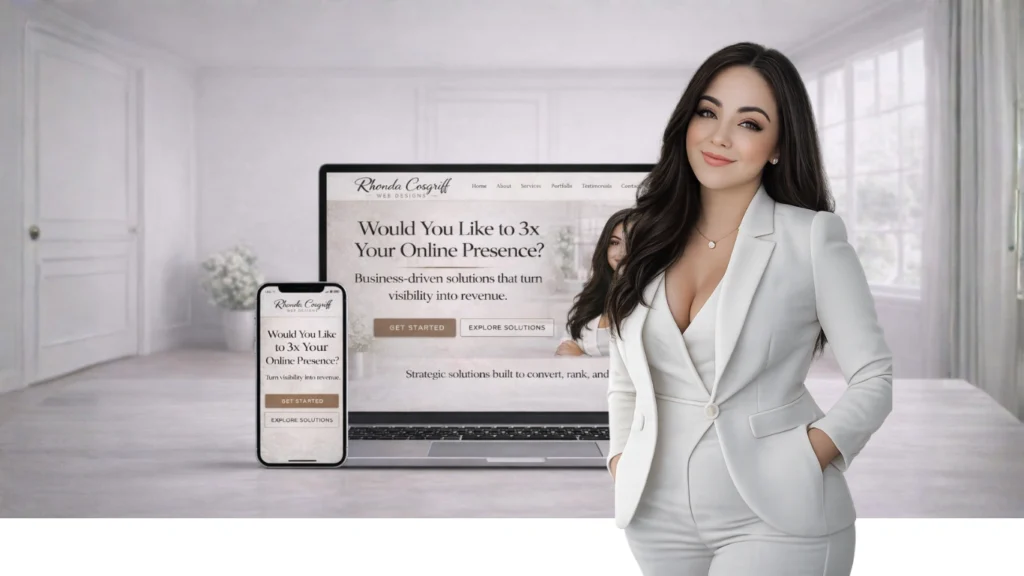
RCDbackground+Iowa-Web-Designer

Your AI assistant image should work:

  • As a profile image

  • In documentation

  • On dashboards

  • In presentations

  • In future tools or interfaces

That means:

  • Neutral background

  • Clear subject

  • Square-friendly composition

Think utility over novelty.


Step 5: Lock It In as “The Assistant”

Once you’ve chosen the image:

  • Use it consistently

  • Don’t keep regenerating it

  • Treat it as part of the assistant’s identity

The goal isn’t perfection—it’s recognition.

When you see that image, your brain should immediately go:

“That’s my assistant.”


Why This Matters More Than You Think

A visual anchor:

  • Makes the assistant feel intentional

  • Helps with focus and consistency

  • Reinforces that this is a tool you built, not something generic

It’s a small step—but it psychologically turns your AI assistant into a system, not a toy.


Discover more from Rhonda Cosgriff Web Designs

Subscribe to get the latest posts sent to your email.
How to Create an AI Assistant for Yourself (That Actually Helps)Ai

How to Create an AI Assistant for Yourself (That Actually Helps)

Rhonda Cosgriff DesignsRhonda Cosgriff DesignsJanuary 20, 2026
Upgrade Your Business with Our All-in-One CRM & Client Experience PlatformAi

Upgrade Your Business with Our All-in-One CRM & Client Experience Platform

Rhonda Cosgriff DesignsRhonda Cosgriff DesignsJune 11, 2025
DeepSeek- R1: The Revolutionary AI Model Making Waves—and Raising Red FlagsAi

DeepSeek- R1: The Revolutionary AI Model Making Waves—and Raising Red Flags

Rhonda Cosgriff DesignsRhonda Cosgriff DesignsJanuary 29, 2025
Rhonda Cosgriff Designs

Author Rhonda Cosgriff Designs

Meet Rhonda Cosgriff, the visionary owner of Rhonda Cosgriff Designs, a leading authority in the realm of web design and development, as well as small business online presence solutions. With an illustrious career spanning almost two decades in the computer systems and design field, Rhonda brings a wealth of experience and knowledge to the forefront of her craft. A trailblazer in her industry, Rhonda Cosgriff has honed her skills to perfection, consistently delivering top-notch websites that resonate with audiences and drive business growth. Her passion for creating digital experiences that captivate and inspire is evident in every project she undertakes. As a seasoned author, Rhonda channels her expertise into insightful blog articles that offer valuable guidance and expertise to business owners, and other organizations or other entrepreneurs. Her writings are a treasure trove of practical advice, industry trends, and innovative strategies that empower individuals and businesses to establish a strong and lasting online presence. With an innate ability to understand the unique needs of each client, Rhonda excels in providing end-to-end solutions for small businesses, ensuring that their journey from conceptualization to launch is seamless and successful. Her commitment to empowering entrepreneurs with the tools and knowledge to navigate the digital landscape sets her apart as a true industry leader. Rhonda is also a web3 designer who can help you transition to the new version of the internet web 3.0 and web3. When you engage with Rhonda Cosgriff Designs, you not only gain access to cutting-edge web design and development services but also tap into the expertise of a seasoned professional dedicated to your success. Let Rhonda's vision and expertise elevate your online presence to new heights.

More posts by Rhonda Cosgriff Designs

Leave a Reply

Discover more from Rhonda Cosgriff Web Designs

Subscribe now to keep reading and get access to the full archive.

Continue reading